
Less busywork.
More design.
Free browser tools for the repetitive bits of design. Your files stay on your device.
13 free toolsReady when you are
No account neededOpen a tool and get started
Files stay on your deviceProcessing happens in your browser
Find your next shortcut.
A little less resizing, reformatting and doing it all again.
13 tools ready to use
- Open tool
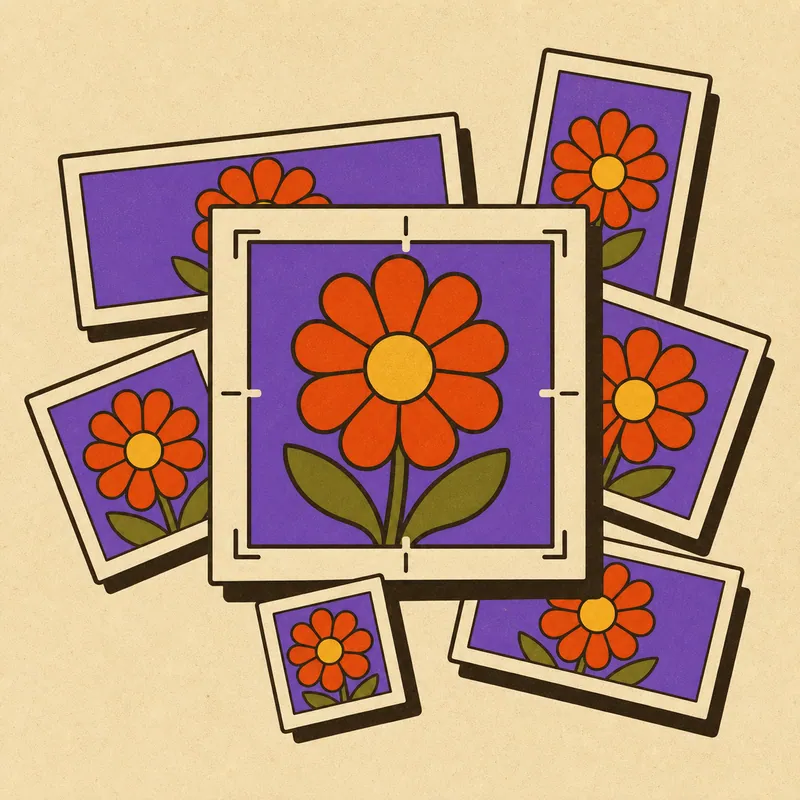
Batch Cropper
Drop an image, get every preset size at once. Smart slug naming, one-click zip export.
- Open tool

Background Remover
Unlimited removals, processed on your machine. No credits, no uploads, no per-image fees.
- Open tool
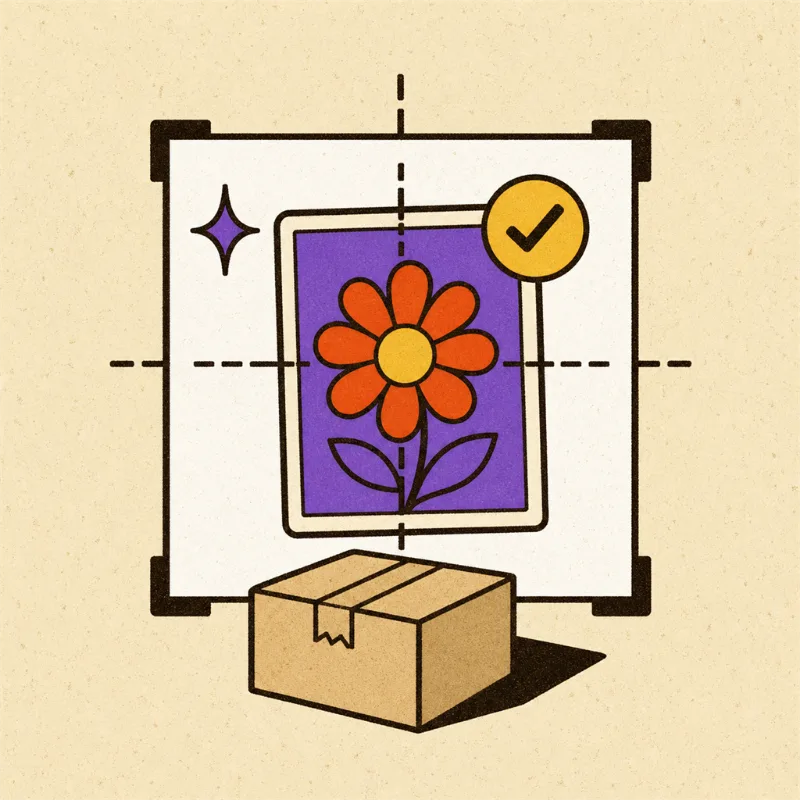
Listing Prep
Marketplace-ready product photos in one pass: white background, square crop, compliance checks.
- Open tool
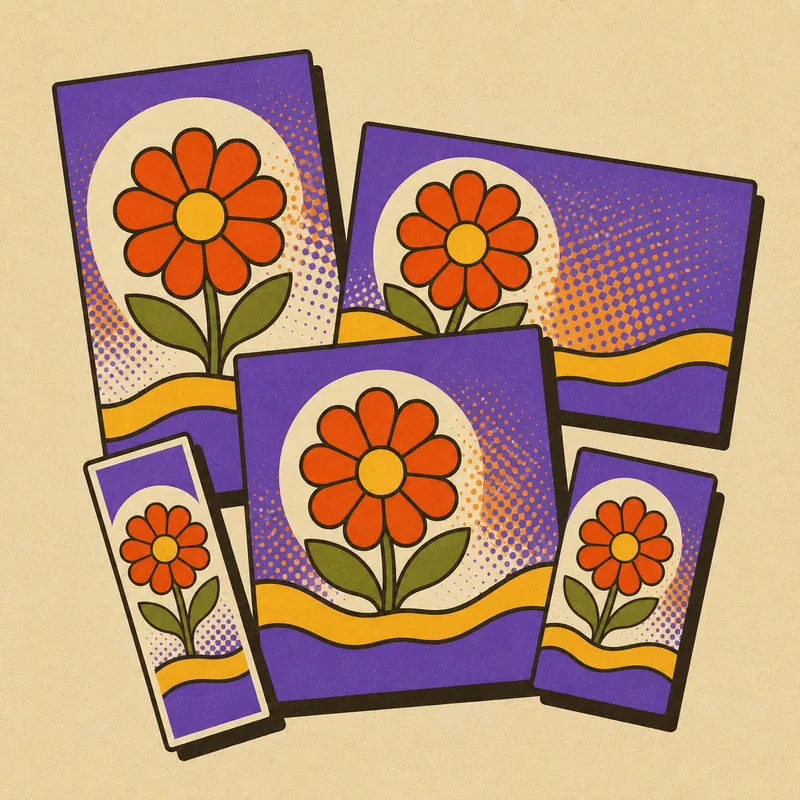
Campaign Maker
One creative in, twenty sized, branded, on-message assets out. Templates you can re-run.
- Open tool

Watermarker
Stamp your logo across a whole folder in one go.
- Open tool
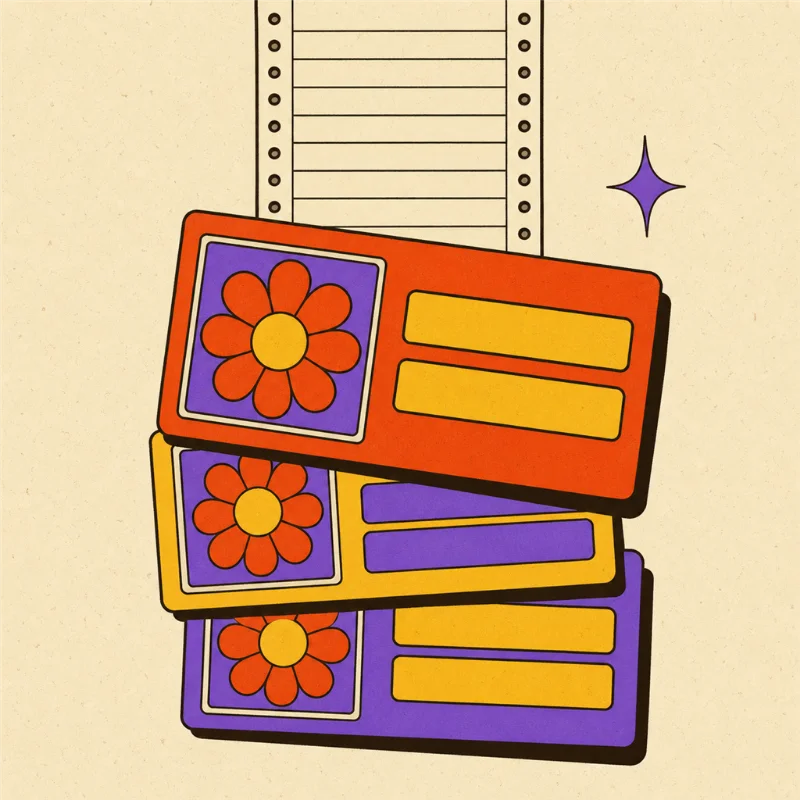
Social Card Maker
Feed it a spreadsheet, get fifty branded social cards.
- Open tool
Metadata Stripper
Strip location and camera data before a photo goes public.
- Open tool
Grid Splitter
Slice one image into an Instagram grid or continuous carousel.
- Open tool
QR Code Maker
Branded QR codes that scan, never expire and never track.
- Open tool
Batch Converter
Convert a whole folder to WebP, AVIF or optimised PNG at the quality you choose. Per-file or one ZIP, nothing uploaded.
- Open tool
Favicon Maker
Drop one logo, get the whole icon set: favicon.ico, apple-touch and PWA PNGs, a web manifest and a paste-ready snippet, all in one ZIP.
- Open tool
SVG Optimiser
Shrink a whole folder of SVGs with a safe svgo preset. viewBox and ids preserved, rendering untouched, byte savings shown per file.
- Open tool
Screenshot Scrubber
Box out anything sensitive in a screenshot, pixelate or bar it, strip the metadata, then apply the same boxes across a whole set of same-size shots.
Good tools.
No strings.
Made by a designer who got tired of doing the same little jobs over and over. Pick a tool, bring your files and get on with your day.
Everything runs on your own device. There's no account to create and no paid tier to unlock. If Funky saves you a bit of time, you can leave a tip.
Support on Ko-fiSee what's coming next ↗Where do my files go?
Nowhere. Every tool runs entirely in your browser. Your files are processed on your own device, are not uploaded to Funky, and are not stored on our servers.
Is it really free?
Yes. Every tool, every preset, batch and ZIP export, with no account, no credits and no usage caps.
Do I need an account?
No. There is nothing to sign up for. Open a tool and drop a file.
How can I support it?
If a tool saves you time, you can leave a tip on Ko-fi. It is optional, nothing in the product is locked behind it, and it goes towards keeping the tools free.
Who makes Funky Design Tools?
Rron Imami, a designer in London who builds websites, brands and digital products, makes and maintains it as a personal project. The tools are the shortcuts he wanted for his own client work.
Can I use the output for client or commercial work?
Yes. What you make is yours. The tools add no watermark and no attribution to your files.
Which browsers work?
Current versions of Chrome, Edge, Firefox and Safari. Everything runs on your own device, so a laptop or desktop is the comfortable choice for big batches and the Background Remover; a phone works for smaller jobs.
Is there a file size or batch limit?
We set none. The practical limit is your device's memory, because the work happens there rather than on a server. If a very large batch feels slow, run it in a few passes.